The $10K Veo 3 Prompt Every Solopreneur Is Hiding (Copy This Now)
Learn how to craft high-impact AI-powered video commercials for your solopreneur app with our fill-in-the-blanks Veo 3 prompt template…
The $10K Veo 3 Prompt Every Solopreneur Needs (Copy This Now)
About Google’s AI Video Generator
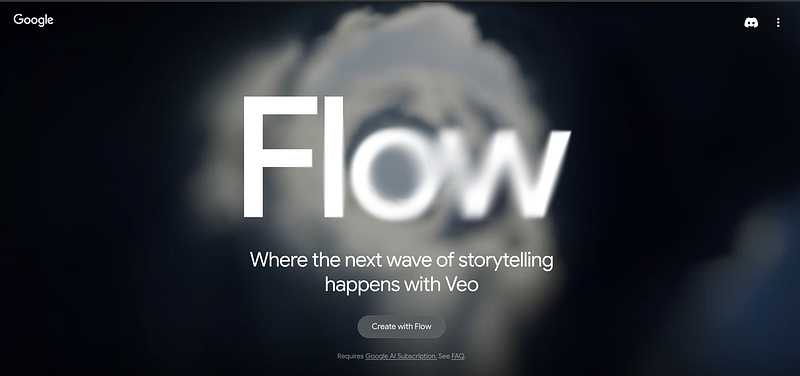
On May 20, 2025, Google released Veo 3, an advanced text-to-video + audio AI model that translates plain-language prompts into polished, synchronized video clips with sound effects, dialogue, ambiance, and music , all in one pass. To get started, visit Google Flow Labs and sign up for a Google AI Pro membership. Each month you’ll receive 1,000 AI credits ; more than enough to experiment. Try out Veo 3-fast (only 20 credits per video) to iterate quickly on your prompts, and once you’ve perfected your script, switch to Veo 3-quality for the final, high-fidelity commercial.
Watch my TezNewz Commercial
Step-by-Step: Craft Your AI Video Commercial
Scene & Setting
- Choose an indoor/outdoor environment and time of day.
- Highlight brand-relevant props or backdrops.
Camera & Composition
- Specify movement (e.g., “slow crane-down”) and shot types.
- Use rule-of-thirds framing for visual interest.
Audio Design
- Outline dialogue lines and tone.
- Add ambient noise (city hum, café chatter) and subtle SFX (notification pings).
- Pick a music loop that matches your brand mood.
Overlay & Branding
- Include a semi-transparent watermark (e.g.,
yourapp.com) throughout. - Pop up a lower-third infobox when your app is mentioned.
Style & Finish
- Call out lighting (golden hour, overcast) and depth of field.
- End on a wide shot with your logo fade-in.
Your Fill-in-the-Blanks Veo 3 Prompt Template
Scene: A {indoor/outdoor} setting at {time of day}, e.g., a {modern office/rooftop terrace} with {city/landscape} view.
Two characters—{CHAR1} and {CHAR2}—interact naturally, holding {prop}.

CAMERA
• Start with {camera movement} to a {shot type}.
• Cut to a {close-up} on key dialogue.

AUDIO
• Ambient: {background sounds}.
• Music: {mood, e.g., warm piano loop}.
• SFX: subtle “{notification sound}” when {AppName} is mentioned.

**{CHAR1}** ({tone})
“{Question about the app’s insight or alert}?”

**{CHAR2}** ({tone})
“{AppName} did—it {real-time alert feature} so I {benefit}.”
*(Soft notification SFX)*

---

**ON-SCREEN TEXT & OVERLAY**
• Watermark: semi-transparent “{app_url}” at bottom-center.
• Infobox on “{AppName}” mention:
  “Real-time AI-powered Financial News alerts”

---

STYLE & POST
• {Lighting style, e.g., natural golden hour}.
• Depth of field: {shallow focus on characters}.
• End with {wide shot} and {AppName} logo fade-in.
Get Started Today
Copy this Veo 3 commercial prompt template, swap in your solopreneur app details, and watch as Veo 3 brings your AI-powered video commercial to life; complete with crisp visuals, authentic audio, and on-brand messaging.